
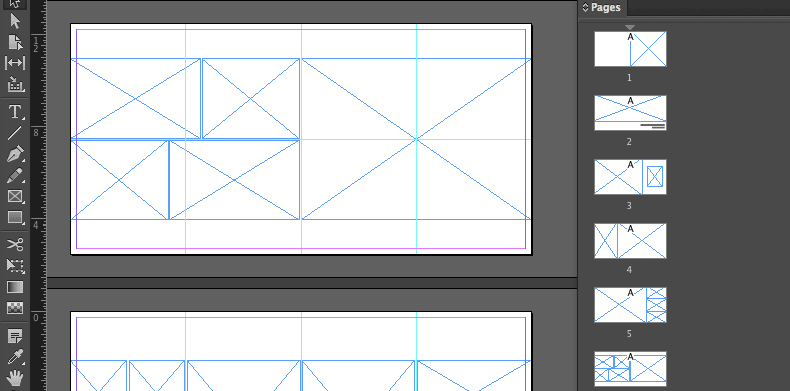


Now that we’ve covered a few InDesign basics like how to create a new document, how to work with pages, and use the frame tool, we’d like to take it a step further and provide you with a FREE InDesign Album Template to help you get started.
This InDesign template features ten spreads (20 pages), 40 frames (photo placeholders), and a place to enter your clients’ names and wedding date.
The template is compatible with InDesign CS4, CS5, CS5.5, CS6, CC, and CC 2014.
How to use the template.
-
Unzip to a location on your hard-drive
-
If you’re using InDesign CS4,5, or 5.5, open the file with the extension .idml.
-
If you’re using InDesign CS6 or CC, open the file with the extension .indt.
-
Using Adobe Bridge, navigate to the folder where you have your photos saved.
-
Simply drag-and-drop the photos from Bridge into the frames of the template.
-
Once the images are placed, rename and save the file
-
To export the spreads for proofing, go to File->Export and select JPEG from the format menu.
-
Follow the instruction to finish the export.
- Upload exported spreads to Banti to share the album with your client.
Sign Up To Download The Template
Need more flexible templates?
Check out this InDesign script that includes 150+ layouts, fully adjustable to any size book!